
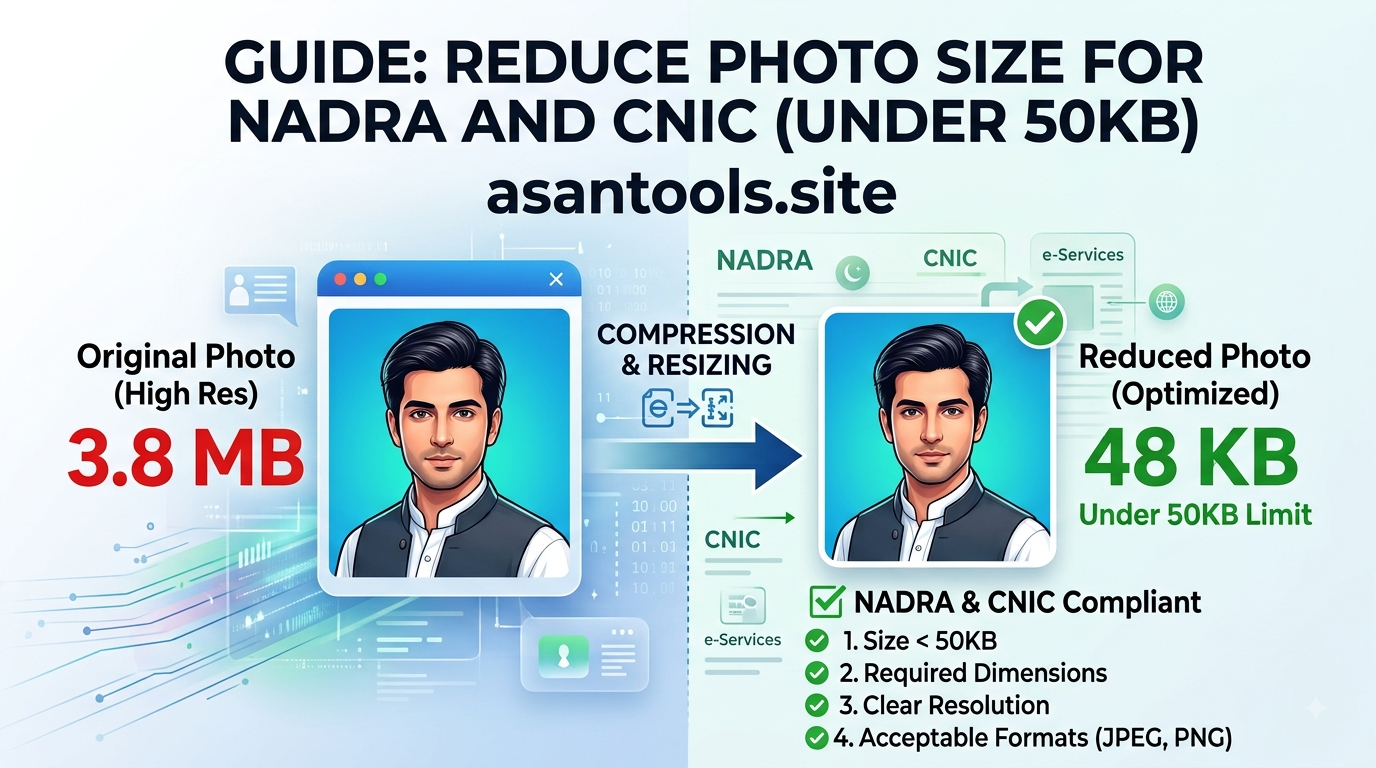
You’re filling out a NADRA form online, everything’s going fine, and then the upload fails. “File size too large.” Your phone photo is 3MB, the form wants something under 50KB, and suddenly you’re stuck trying to figure out how to shrink a picture without turning it into a blurry, rejected mess.
This happens to almost everyone the first time, mostly because phone cameras were never designed with government form size limits in mind. Here’s exactly how to fix it.
Why NADRA Forms Ask for Such a Small File Size
A 50KB limit sounds tiny compared to the multi-megabyte photos modern phones produce, and there’s a practical reason behind it. Government portals process thousands of applications at once — smaller files mean faster uploads, lighter servers, and quicker processing for everyone. It also keeps stored records lightweight across millions of applicants over time.
The catch is that phone cameras today capture images 60-100 times larger than that limit, so some form of compression is always necessary before uploading.
What Happens If You Just Resize the Photo Smaller
A common mistake is shrinking the photo’s dimensions (making it physically smaller in width and height) and assuming that alone will get it under the size limit. Sometimes it does, but often the face becomes too small or blurry to meet the form’s photo requirements, and it still might not hit 50KB depending on the original file.
Size (KB) and dimensions (pixels) are related, but they’re not the same fix. What actually needs to happen is compression — reducing the file’s data weight while keeping the photo looking sharp and properly sized for a form photo (typically passport-style, face clearly visible).
The Right Way to Get Under 50KB
- Start with a clear, well-lit photo. A photo taken in poor lighting compresses worse, since more visual “noise” needs to be processed, which can push the file size up or the quality down.
- Crop to the required photo format first if the form specifies passport-style dimensions — this alone often removes a lot of unnecessary file weight before any compression happens.
- Compress the image, targeting the exact KB limit the form asks for, rather than guessing and re-uploading multiple times.
- Check the result at full zoom, not just as a thumbnail, to confirm the face is still clear and not overly pixelated.
- Save it as JPG, not PNG — JPG is built for compressing photographs efficiently, while PNG tends to stay large even after compression attempts.
Common Reasons the Upload Still Fails
- Wrong format — some portals only accept JPG, and uploading a PNG or HEIC (common on iPhones) gets silently rejected
- Compressed too much — pushing the file size down aggressively can make the photo look grainy enough that it fails a manual quality check later
- Wrong dimensions — some forms check pixel dimensions in addition to file size, so a technically small file can still get rejected if it’s the wrong shape
- Old cached version uploaded — re-selecting the same file after editing sometimes uploads a cached copy; renaming the file after editing avoids this
Read More: PDF to JPG: Extract Every Page as an Image in Under a Minute
Do It in Seconds — No Editing App Needed
AsanTool’s Image Compressor lets you shrink a photo down to a specific target size directly in your browser:
- Upload your photo (JPG, PNG, or most common phone formats)
- The tool compresses it down toward your target size automatically
- Download the result and check it before uploading to the NADRA portal
- Your photo is never stored — it’s deleted from our servers automatically within the hour
Works the same on mobile data right before you submit a form, or on a laptop if you’re filling it out from home.
Conclusion
Getting a photo under 50KB isn’t about guessing and re-uploading five times — it’s a two-step process: crop to the right shape, then compress properly instead of just shrinking dimensions. Once you know the difference between resizing and compressing, this becomes a 30-second task instead of a frustrating back-and-forth with a government portal.
Need to shrink a photo for a NADRA or CNIC form right now? Try the free Image Compressor — no account, no software, and your photo is never kept on our servers.