
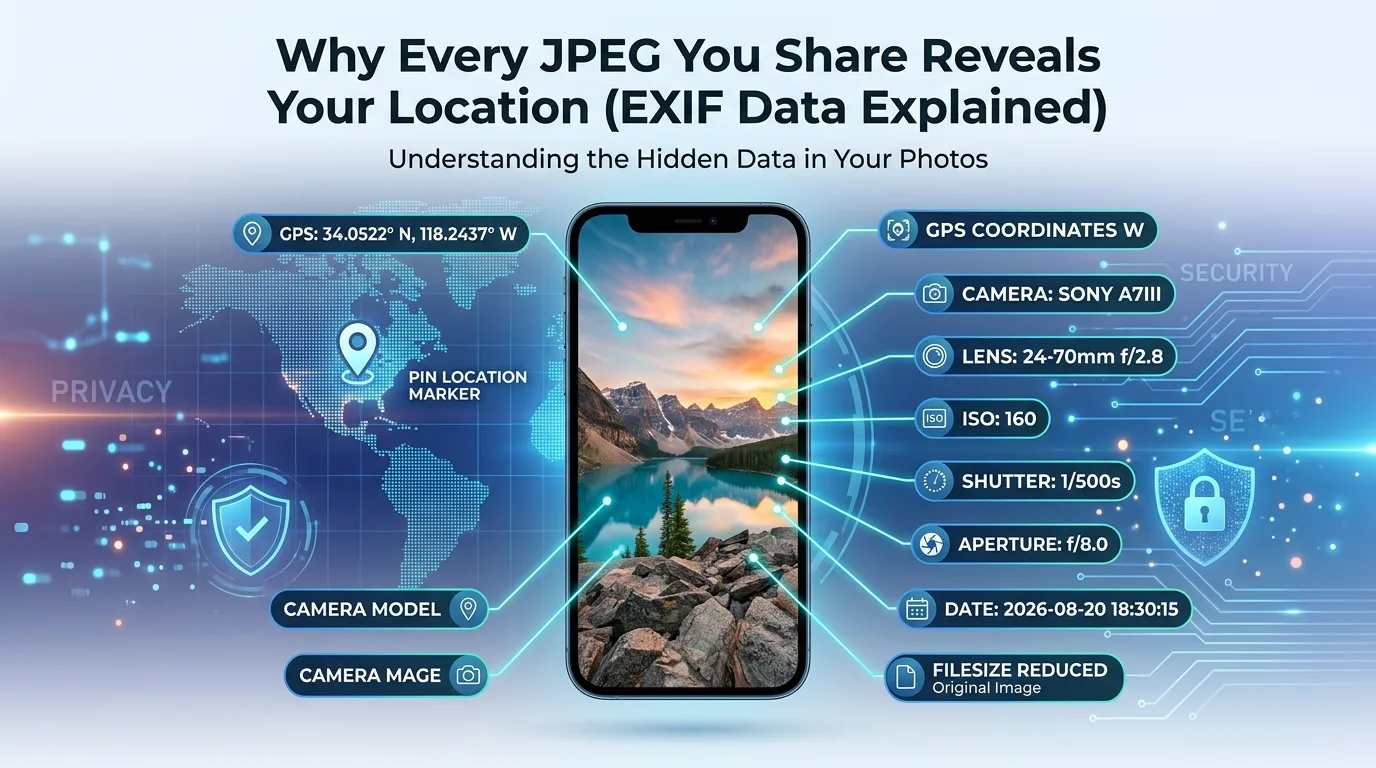
You take a photo of your new apartment to send to a friend. Nothing in the picture itself gives away where you live: no street sign, no visible address. And yet, buried inside that JPEG file, sitting silently in a part of the file you never see, are the exact GPS coordinates of where you were standing when you took it. Anyone who downloads the original file and opens it in a basic metadata viewer can pull those coordinates out and drop them straight into Google Maps. Thirty seconds, and they know exactly where that photo was taken.
This isn’t a hack or a security flaw. It’s a built-in feature called EXIF data, and most people have no idea it’s there.
What EXIF Data Actually Is
EXIF stands for Exchangeable Image File Format, a standard that’s been around for decades, defining how cameras and phones embed information directly inside a photo file rather than just capturing pixels. Every time you take a picture, your device quietly writes a block of metadata into that file alongside the actual image.
That metadata can include the camera or phone model, the exact date and time the photo was taken, camera settings like aperture and shutter speed, the software used to edit or export the image, and if location services were enabled, precise GPS coordinates accurate to within a few meters.
None of it is visible when you look at the photo. It’s not a watermark, not something layered over the image. It’s a separate section of data riding along inside the same file, invisible unless you specifically go looking for it.
Why the Location Data Ends Up There in the First Place
Most modern smartphones have location services turned on for the camera app by default, or turned on for something else that quietly extends to photos too. The moment location access is granted, every photo taken gets tagged with coordinates automatically, no confirmation, no visible indicator, nothing that tells you in the moment that it happened.
For a lot of people, this is genuinely useful. Photographers use it to organize shoots by location. Families use it to remember where vacation photos were taken years later. The feature isn’t malicious by design; it exists to be helpful. The problem is that it keeps working quietly in the background even when the photo is about to be shared with people or platforms that were never meant to know where you were standing.
Where This Has Actually Caused Harm
This isn’t a hypothetical privacy concern dreamed up by tech writers. There are documented, real cases tied directly to EXIF location data: stalkers locating people through geotagged photos posted publicly, abuse survivors being found by former partners through a photo shared with family, and law enforcement identifying illegal operations from location data left in images posted online. Digital safety organizations, including the Electronic Frontier Foundation, specifically include metadata removal in their guidance for journalists, activists, and anyone whose physical location needs to stay private.
You don’t need to be in a high-risk situation for this to matter, though. A photo of a new purchase taken at home, shared in what feels like a private group chat, can still be forwarded, downloaded, or saved somewhere the metadata survives. Once a file leaves your hands, you generally lose control over what happens to the data riding along inside it.
Read More: WebP vs JPG: Which Format Actually Loads Faster?
Do Social Media Platforms Strip This Automatically?
Mostly, yes, but not reliably enough to count on. Instagram, Facebook, and WhatsApp generally strip EXIF data when you upload directly through their apps. This behavior isn’t guaranteed, though; platforms change how they handle this without announcing it, and it does nothing at all if you’re sharing a file directly, through email, AirDrop, a messaging app that sends the original file, or a cloud storage link. In those cases, the EXIF data, GPS coordinates included, travels along completely intact.
How to Check What’s Hiding in Your Own Photos
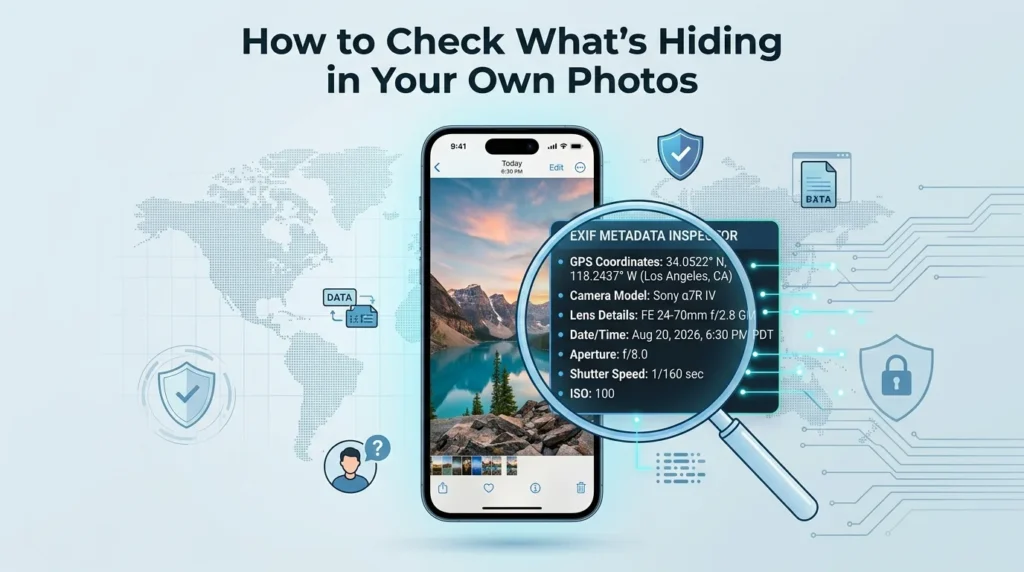
Before assuming a photo is “clean,” it’s worth actually looking. Most phones let you view basic photo details (tap the info icon in your gallery app), though this often only shows a simplified summary rather than the full EXIF block. A dedicated metadata viewer shows everything, including whether GPS coordinates are present, which is the detail that matters most.
Removing EXIF Data Before You Share
The most reliable way to strip this information isn’t remembering to check location settings every time; it’s re-processing the image itself before sending it anywhere sensitive. Turning off location services for your camera app going forward prevents future photos from being tagged, but it does nothing for photos that already have GPS data embedded.
Running a photo through AsanTool’s Image Compressor or Image Resizer re-encodes the file as part of the process, which typically strips the original EXIF metadata, including GPS coordinates, in the process. This happens directly in your browser, with nothing uploaded to a server or stored afterward.
If you’re about to share a photo of your home, your child, your new location, or anything else you wouldn’t want strangers pinpointing on a map, running it through a resize or compression step first is a simple habit that closes this gap entirely.
Want to check what’s hidden in a photo before sharing it? Try AsanTool’s free Image Compressor or Resizer. No account, no software, and your photo is never kept on our servers.
1 thought on “Why Every JPEG You Share Reveals Your Location (EXIF Data Explained)”