
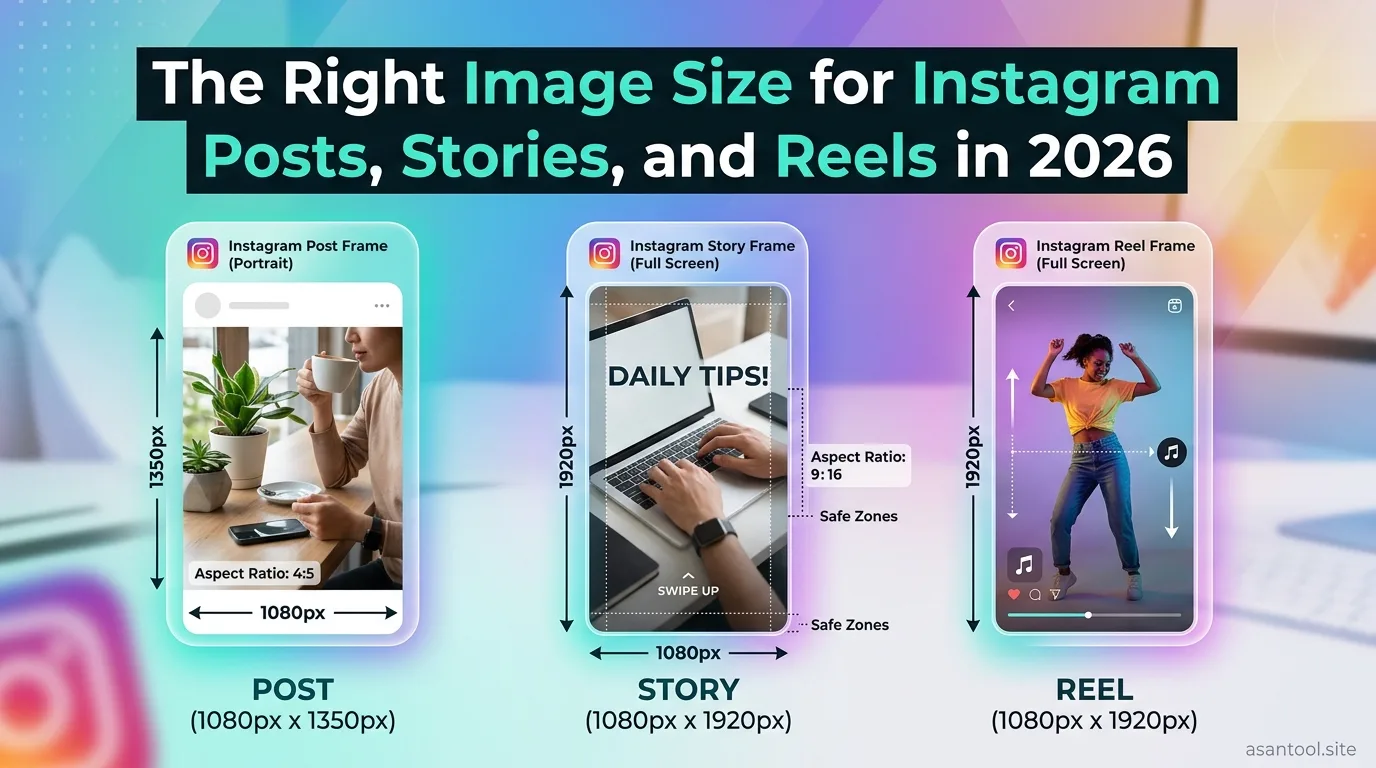
The Right Image Size for Instagram Posts, Stories, and Reels in 2026: A post that looked perfect while editing can come out cropped strangely once it’s live, a face pushed out of frame, or the top of an image cut off entirely. This almost always comes down to using the wrong dimensions for the specific format being posted. Instagram handles feed posts, Stories, Reels, and profile pictures very differently, and a size that works perfectly for one will get mishandled in another.
The Change Most Guides Still Get Wrong
In 2025, Instagram quietly changed how the profile grid displays posts. It used to preview everything as a square. Now the grid crops posts to a 3:4 ratio instead. This matters because a post can still be uploaded at the standard 4:5 feed size and look completely fine when someone opens it individually, but appear tighter and slightly cropped when viewed from someone’s profile grid.
The practical fix is simple: keep faces, text, and logos centered well within the frame, not close to the top or bottom edges, so they stay visible whether the post is viewed full-size or through the tighter grid preview.
Feed Posts
Instagram supports three shapes for regular feed posts, and each serves a different purpose:
- Portrait (1080 x 1350 pixels, 4:5 ratio). This is the current recommended default. It takes up the most vertical space in the feed, giving posts more visual presence while still fitting the grid crop reasonably well.
- Square (1080 x 1080 pixels, 1:1 ratio). The original Instagram format. Still widely used for consistency in a grid layout, though it doesn’t fill as much feed space as portrait.
- Landscape (1080 x 566 pixels, 1.91:1 ratio). Takes up the least vertical space in the feed, best reserved for wide shots or images that genuinely need the horizontal format.
One technical detail worth knowing if scheduling posts in advance: Instagram’s own app allows aspect ratios as narrow as 3:4, but its publishing tools for scheduled posts only accept ratios between 4:5 and 1.91:1. A 3:4 image posted manually through the app works fine, but the same image submitted through most scheduling tools gets rejected. If posts are scheduled rather than posted live, sticking to 4:5 (1080 x 1350) avoids this issue entirely.
Stories and Reels
Both Stories and Reels use the same full-screen vertical format: 1080 x 1920 pixels, a 9:16 aspect ratio. This fills a phone screen edge to edge with no black bars or awkward borders.
A common mistake is uploading a square or landscape image directly into a Story or Reel without resizing first, which forces Instagram to either crop the sides or add padding around it. Preparing content at the correct 9:16 dimensions from the start avoids both problems.
Profile Picture
Instagram displays profile pictures as a small circle, so while the upload itself should be square, extra care is needed around the edges. A minimum upload size of 320 x 320 pixels is required, though a larger image (closer to 1080 x 1080) holds up better and avoids looking blurry once displayed. Since the circular crop cuts off the corners of a square image, keep any important detail, especially a face, centered well within the middle of the frame rather than close to the edges.
Carousels
Carousel posts (multiple images swiped through in one post) follow the same sizing rules as regular feed posts, but with one detail that catches people off guard: the first slide locks the aspect ratio for the entire carousel. If the first image is uploaded as portrait 4:5, every other slide gets forced into that same shape, even if it was originally a different ratio. Deciding on one consistent format before uploading the full set avoids inconsistent cropping across slides.
A Quick Reference
| Format | Dimensions | Aspect Ratio |
|---|---|---|
| Feed (portrait, recommended) | 1080 x 1350 px | 4:5 |
| Feed (square) | 1080 x 1080 px | 1:1 |
| Feed (landscape) | 1080 x 566 px | 1.91:1 |
| Stories / Reels | 1080 x 1920 px | 9:16 |
| Profile picture | 1080 x 1080 px (min 320 x 320) | 1:1 |
Read More: Passport Size Photo Maker: Exact Size in Seconds (No Studio Needed)
Resize to the Exact Dimensions You Need
Getting these exact pixel dimensions right doesn’t require design software. AsanTool’s Image Resizer lets you set precise width and height directly in your browser:
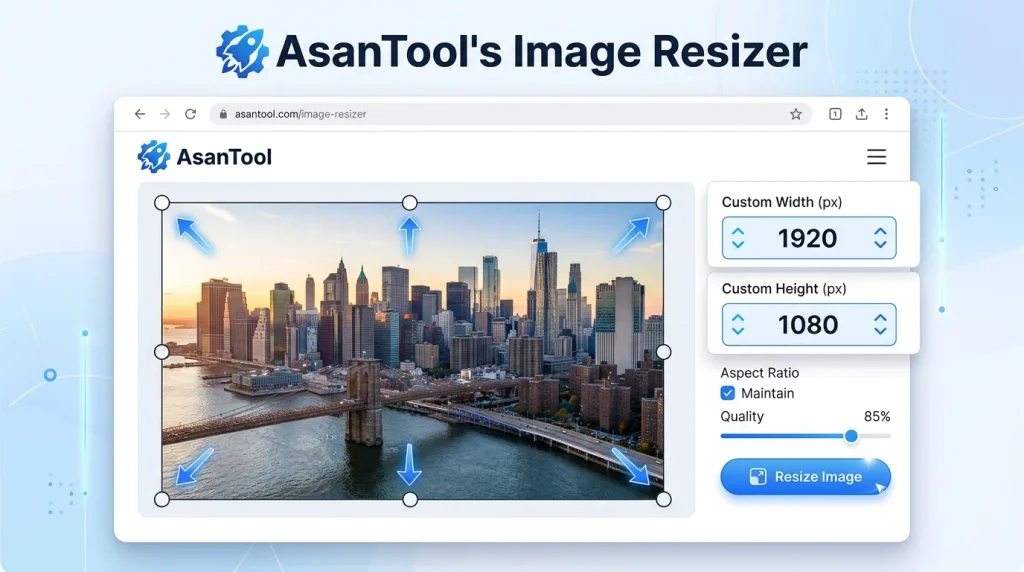
- Upload your photo
- Enter the exact Instagram dimensions for your post type
- Download instantly, ready to upload
- No software or account needed, and your file is never stored on our servers
Conclusion
Every Instagram format expects a different shape, and mismatching them is what causes the cropped faces, cut-off text, and awkward borders that quietly hurt engagement. Knowing the current dimensions for feed posts, the 3:4 grid crop, Stories, Reels, and profile pictures, and resizing to match before uploading, keeps content looking exactly the way it was designed to.
Need to resize a photo for Instagram right now? Try the free Image Resizer. No account, no software, and your file is never kept on our servers.