

Between assignments, applications, group projects, and last-minute submissions, students run into the same handful of file problems over and over a document that won’t upload, a photo that’s the wrong size, a stack of scanned pages that need to become one file. None of these need paid software. Here are seven free, browser-based tools worth bookmarking so you’re never stuck scrambling before a deadline.
1. Image Compressor
Assignment portals, scholarship applications, and email attachments often have strict file size limits, and a modern phone photo blows past them instantly. Instead of guessing which photo will “fit,” compress it properly first the quality stays visually identical, but the file shrinks enough to upload anywhere.
Best for: Photos for online forms, email attachments that keep bouncing back, freeing up phone storage.
2. Image Resizer
A lot of student portals ask for a photo at an exact pixel size think ID photos, profile pictures, or passport-style requirements for exam registration. Resizing sets the precise width and height needed, so the upload doesn’t get auto-cropped or rejected for being the wrong shape.
Best for: Exam registration photos, ID uploads, profile pictures with strict dimension requirements.
Read More: Image Resizer — Get the Exact Pixel Size You Need | AsanTool
3. Image to PDF
Handwritten assignments photographed page by page need to become a single document before submission most portals won’t accept ten separate image files for one assignment. This tool combines multiple photos into one clean, ordered PDF in seconds.
Best for: Submitting handwritten homework, combining scanned notes, turning a photographed worksheet into one file.
4. PDF Merge
Group projects often end up as separate PDF sections written by different people. Instead of manually copy-pasting into a shared document (which usually breaks formatting), merging keeps every page exactly as it was while combining everything into one submission-ready file.
Best for: Combining group project sections, merging a cover page with a report, joining multiple reference documents into one.
5. Word to PDF
Formatting that looks perfect on your laptop can shift completely when a professor opens it on a different device fonts swap, spacing changes, page breaks land in odd places. Converting to PDF before submitting locks the formatting in place exactly as intended.
Best for: Essays, reports, and resumes where formatting consistency actually affects how the work is perceived.
6. PDF to JPG
Sometimes you only need one page or one diagram out of a much longer PDF a chart from a textbook excerpt, a single certificate page, a slide to paste into a presentation. This pulls individual pages out as standalone images instead of forcing you to screenshot and crop manually.
Best for: Extracting diagrams or single pages for presentations, pulling a certificate out of a longer scanned document.
7. JPG to PNG / PNG to JPG Converter
Presentations and posters often need images with transparent backgrounds (PNG) for logos or graphics, while regular photos are better kept as JPG to avoid bloated file sizes. Knowing when to convert between the two — and being able to do it instantly saves a surprising amount of back-and-forth trial and error.
Best for: Placing a transparent logo on a presentation slide, shrinking a screenshot-heavy PNG before sending it in a group chat.
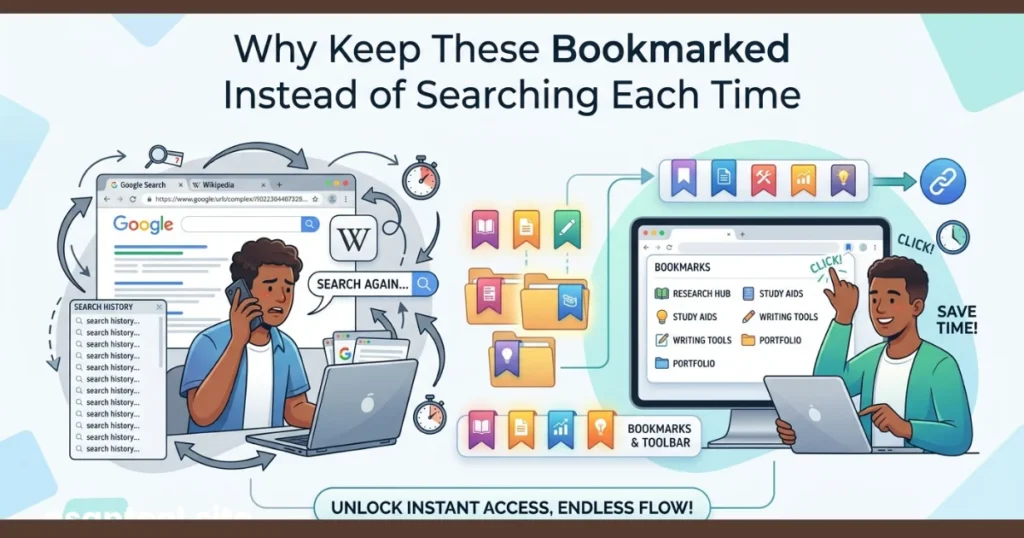
Why Keep These Bookmarked Instead of Searching Each Time
Most of these problems show up right before a deadline, when there’s no time to search, compare five different websites, and figure out which one is actually free and safe to use. Having one trusted set of tools bookmarked means the fix takes seconds instead of becoming its own small crisis.
All seven of these tools are available for free on AsanTool no account, no software installation, and no file ever stored on the server longer than an hour. Everything runs directly in the browser, which means it works the same on a laptop in the library or a phone on mobile data between classes.
Read More: How to Convert a Scanned Document Into a Clean, Searchable PDF
Conclusion
None of these problems are complicated on their own a big photo, a scattered set of pages, a formatting shift after conversion. What makes them stressful is running into them minutes before a submission deadline with no idea how to fix them quickly. Bookmarking a reliable set of free tools turns that panic into a 30-second fix.
Explore all seven tools free at AsanTool no account, no software, and your files are never kept on our servers.