
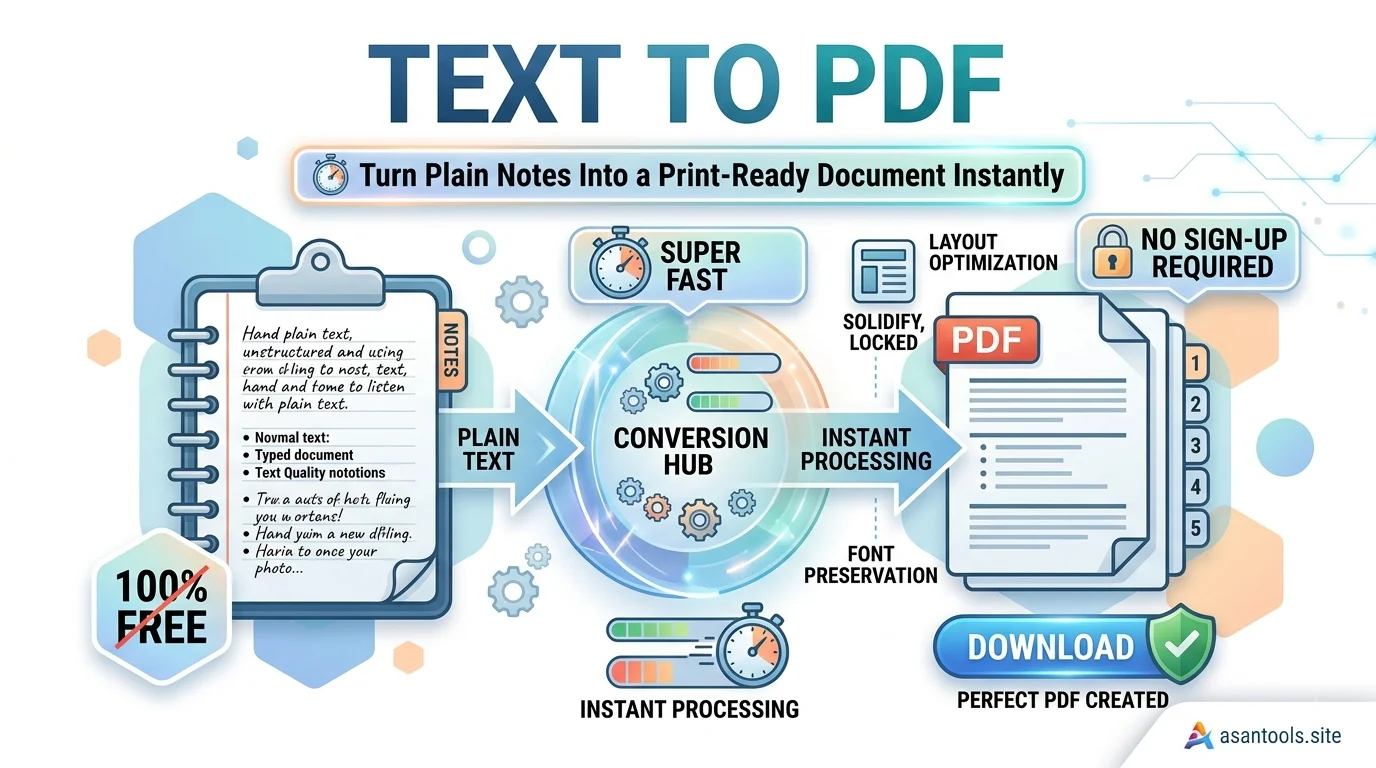
You’ve written something quick meeting notes, a list of instructions, a short assignment in a plain text file or a notes app. Now you need to share it, print it, or submit it somewhere, and a raw .txt file feels unfinished. Emailing plain text looks unpolished, and most portals won’t even accept it as an attachment. Converting it into a PDF instantly makes it look like a real, finished document.
Why Plain Text Files Cause Problems
A .txt file is about as basic as digital files get, and that simplicity is exactly what causes issues:
- No formatting control. Plain text has no margins, no consistent font sizing, no page breaks how it displays depends entirely on whatever app opens it.
- Not accepted everywhere. Many upload portals, job applications, and email systems either reject .txt files outright or handle them inconsistently.
- Looks unfinished. Sending someone a plain text file, compared to a properly formatted PDF, reads as less professional, even if the actual content is identical.
- No print consistency. Printing a .txt file directly can produce different results depending on the printer driver and default settings, since there’s no fixed page layout baked into the file.
Why PDF Solves All of This Instantly
A PDF takes that same plain content and locks it into a proper, fixed document:
- Consistent formatting margins, spacing, and page breaks stay exactly the same no matter what device opens it
- Universally accepted virtually every portal, email client, and printer handles PDF without issue
- Looks finished even simple notes read as an intentional, organized document once placed inside a PDF
- Print-ready by default a PDF is already structured for standard paper sizes, so what you see is what prints
Related Blog: The Right Image Size for Job Applications — And How to Get It in Seconds
Common Situations Where This Comes Up
- Meeting notes or minutes that need to be shared with a team in a format everyone can open the same way
- Assignments or short write-ups typed in a plain notes app that need to be submitted as a proper document
- Instructions or checklists meant to be printed and kept on hand, where consistent formatting actually matters
- Quick contracts or agreements drafted in plain text that need a more official-looking final format before sending
- Personal records recipes, study notes, reference lists that you want saved in a stable, unchangeable format rather than an editable text file
How to Convert Text to PDF Properly
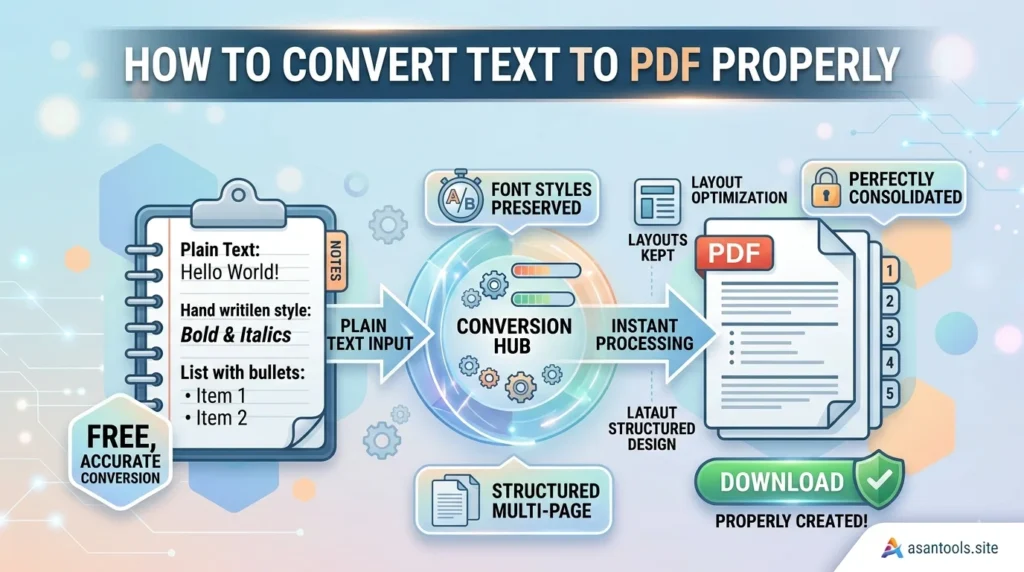
- Clean up the text first fix any obvious typos or spacing issues before converting, since a PDF locks in whatever state the text was in.
- Break up long blocks of text with line breaks or paragraphs if needed, since a PDF built from a single dense wall of text is harder to read once printed.
- Convert using a dedicated tool, rather than pasting the text into a word processor and manually exporting, which adds unnecessary extra steps for something this simple.
- Preview the PDF before sharing it, checking that spacing and line breaks look the way you intended.
- Name the file clearly before sending or uploading it, since a properly named PDF looks more professional than a generic default filename.
Convert Text to PDF in Seconds
No word processor or design software needed. AsanTool’s Text to PDF converter handles the whole process directly in your browser:
- Paste or upload your plain text
- The tool formats it into a clean, print-ready PDF automatically
- Download the finished file instantly
- Nothing is stored on our servers your file is deleted automatically within the hour
Works the same whether you’re converting a quick note from your phone or a longer write-up from a laptop.
Conclusion
Plain text is fine for jotting something down quickly, but it isn’t built for sharing, printing, or submitting anywhere official. Turning it into a PDF takes seconds and instantly makes the same content look organized, consistent, and ready to send without needing to open a word processor just to format a few lines of text.
Need to turn a quick note into a PDF right now? Try the free Text to PDF converter no account, no software, and your file is never kept on our servers.