
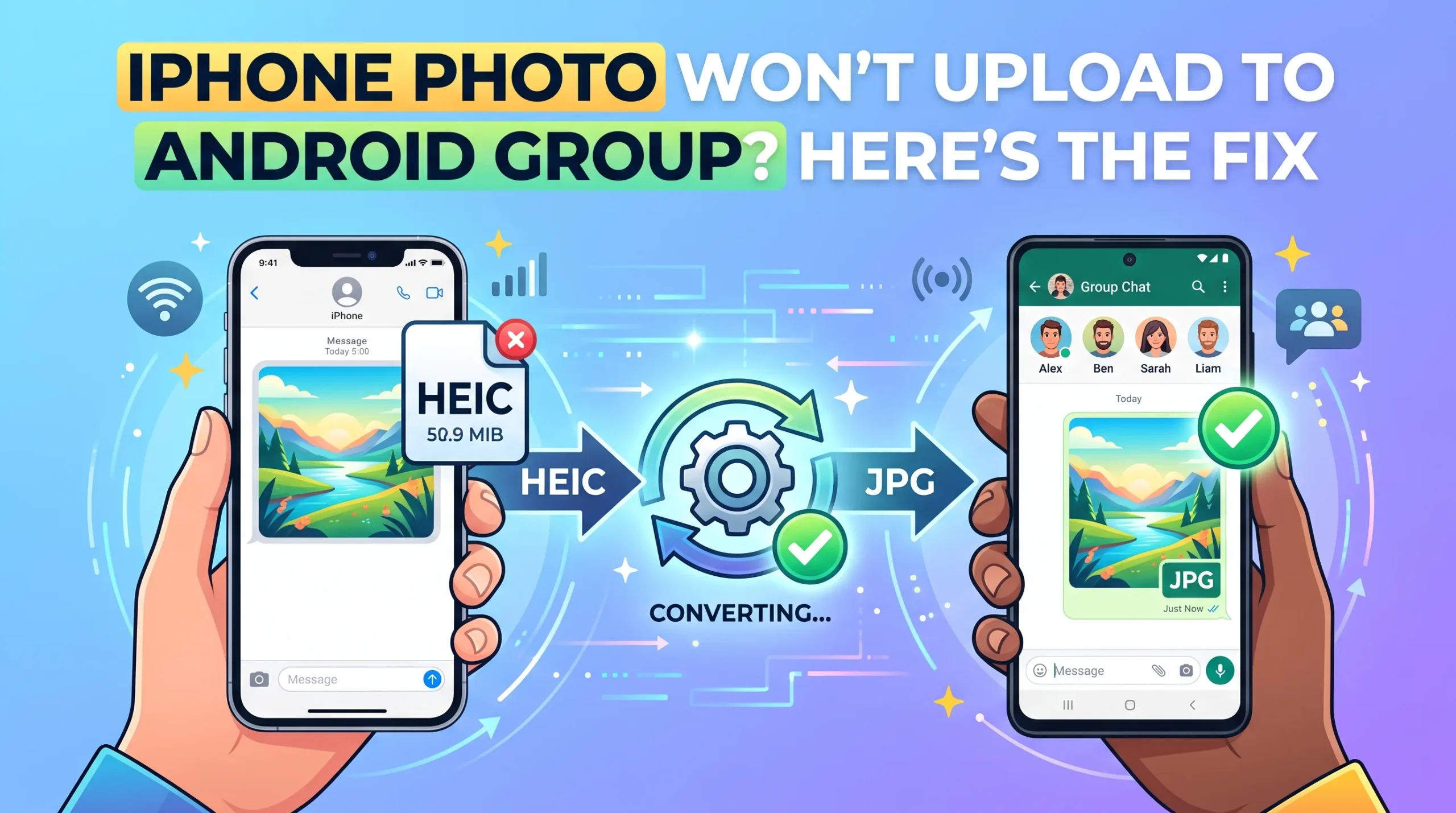
Someone in the group asks, “Did you see the photo I sent?” and half the Android users are staring at a gray box or nothing at all, while every iPhone in the chat saw it just fine. This is one of the most reported iPhone-Android friction points, and depending on which app the group is using, the cause and fix are actually different problems wearing the same symptom.
If You’re Using iMessage or Regular Text (Green Bubble Groups)
This is the classic case. Group texts between iPhones and Android phones don’t run on iMessage; they fall back to a decades-old technology called MMS, which was never built for reliable photo sharing across dozens of phone models and carriers. Apple’s own support forums are full of reports matching this exact pattern: Android users sending photos that show up as a blank gray bubble for some iPhone recipients while others in the same group see it fine.
The frustrating part is that this often isn’t something the sender did wrong. MMS compresses images heavily and has strict size ceilings that vary by carrier, and different carriers on different sides of the same group chat can silently drop or fail to deliver media that exceeds what their specific network allows.
What actually helps here: ask everyone in the group to check that MMS messaging is turned on in their phone’s messaging settings (it’s occasionally toggled off after a software update). If the problem is isolated to one person consistently, a carrier-side fix, not a phone-side one, is often needed since MMS delivery depends on the sender’s and receiver’s carriers agreeing on how to handle the file. Switching the whole group to a proper app, WhatsApp, Telegram, or Signal, sidesteps this entirely, since none of them rely on carrier MMS infrastructure.
If You’re Using WhatsApp
WhatsApp handles this more gracefully than SMS/MMS does, but a different, quieter problem shows up instead: the photo sends fine, but some Android members never see it appear, or only see it after manually downloading.
This almost always traces back to Media Auto-Download settings on the receiving phone, buried in WhatsApp under Settings, then Storage and Data. If that Android user’s setting isn’t configured to auto-download photos over their current connection (WiFi vs mobile data), the photo sits waiting on WhatsApp’s servers and simply doesn’t appear until they open the chat and manually tap to download it. From the sender’s side, everything looks like it worked, because it did; the image just hasn’t been pulled down yet on the other end.
Read More: How to Make a PDF Print-Friendly on A4 Paper Every Time
If It’s a File Format Problem, Not a Delivery Problem
There’s a third, separate scenario worth ruling out: the photo delivers and shows up, but won’t open, appearing as a broken thumbnail or an unreadable file icon on the Android side. This points to the image being HEIC, the format iPhones save photos in by default, which some Android photo viewers and older apps still don’t render correctly, especially outside of WhatsApp’s own compression (which typically converts HEIC to JPG automatically during sending, but not every app does).
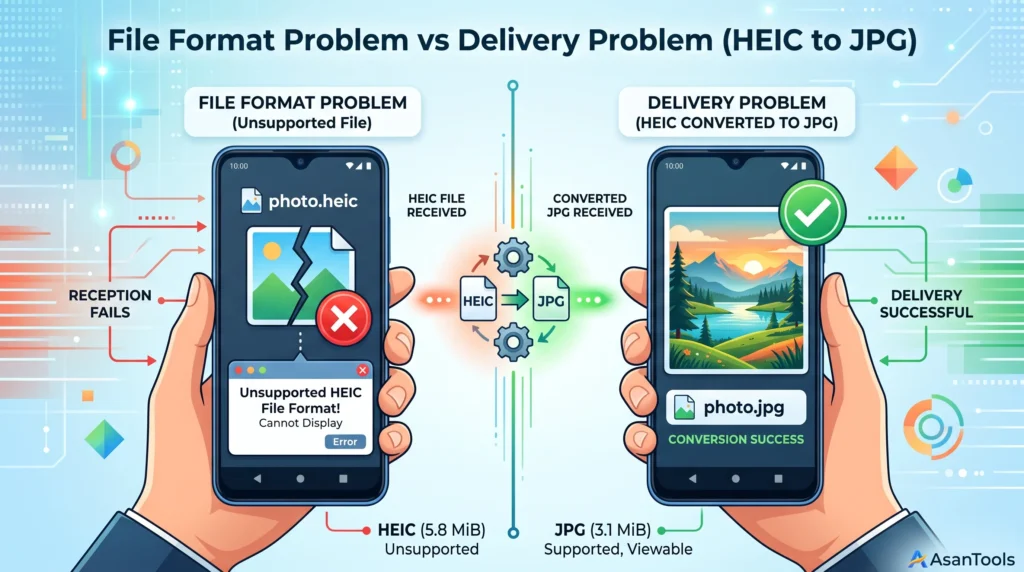
If this is the specific symptom you’re seeing, converting the photo to JPG before sending it removes the guesswork entirely, since JPG opens identically across every phone regardless of platform.
A Quick Way to Tell Which Problem You Have
Ask the affected person these two questions:
Does the message itself arrive, but the photo shows as blank or missing? That’s a delivery problem, MMS carrier limits if it’s regular texting, or auto-download settings if it’s WhatsApp.
Does the photo arrive and show a thumbnail, but fail to actually open? That’s a format problem, most likely HEIC, and converting to JPG beforehand fixes it for good.
AsanTool’s JPG to PNG and PNG to JPG converters handle format mismatches directly in your browser if a photo needs converting before resending: no software, no account, and nothing kept on our servers longer than an hour.
Dealing with a photo that won’t open on the other end? Try AsanTool’s free format converters to fix it before you resend. No account, no software required.
1 thought on “iPhone Photo Won’t Upload to Android Group? Here’s the Fix”