
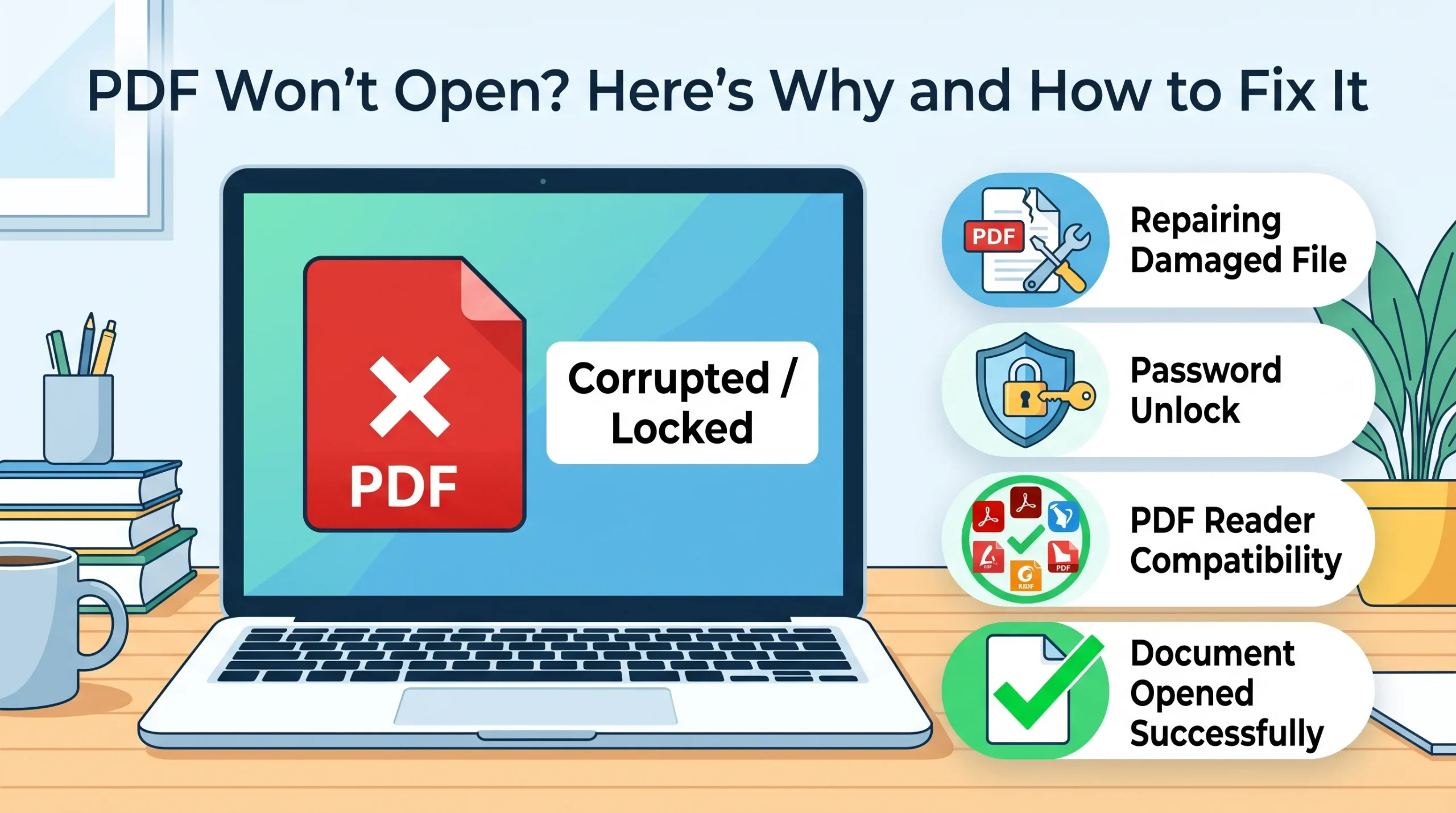
A PDF that refuses to open is one of those problems that feels bigger than it usually is, mostly because the error rarely tells you anything useful. Sometimes it’s a blank white page. Sometimes the browser just downloads the file instead of showing it. Sometimes there’s a cryptic error code that means nothing to anyone who isn’t a software developer. The good news is that almost every version of this problem traces back to one of a small handful of causes, and most of them take under a minute to fix once you know which one you’re dealing with.
Start With What You Actually See
Before trying random fixes, the specific symptom narrows things down fast:
If the file downloads but shows a blank page or won’t render at all, that usually points to corruption or an incomplete download. If your reader says something like “not a supported file type” or “unsupported format,” the file might not actually be a valid PDF despite the extension. If it opens fine on one device but not another, that’s almost always a reader version problem, not a problem with the file itself. And if you’re prompted for a password you don’t recognize, someone protected the file before sending it to you.
The File Didn’t Fully Download
This is one of the most common and most overlooked causes. If your internet connection dropped, or the download got interrupted for any reason, the PDF on your device is missing pieces of data it needs to render. It might look like a normal-sized file, or it might be suspiciously small compared to what you’d expect; either way, the reader detects the missing parts and fails to open it.
The fix: delete the file and download it again from the source, ideally on a stable connection. This alone resolves a surprisingly large share of “PDF won’t open” cases, and it costs nothing to try first before assuming anything more complicated is wrong.
The File Isn’t Actually a Valid PDF
Roughly one in four upload failures on some platforms trace back to this exact issue: a file that has a .pdf extension but wasn’t properly saved or converted as one. This happens more than people expect: someone renames a file manually, or a document gets exported by software that doesn’t follow the PDF standard correctly, and the result looks like a PDF by name but isn’t structured like one internally.
The fix: if you have access to the original document, re-export or re-convert it properly rather than manually renaming a file’s extension, which never actually changes what’s inside it. If you only have the broken file, running it through a PDF repair or re-conversion tool can sometimes reconstruct a usable version.
Your Reader Is Outdated or Conflicting With Something
PDF as a format keeps evolving, and a reader that hasn’t been updated in a while may simply not understand newer elements a document uses. This is especially common with PDF 2.0 features, some of which still aren’t fully supported across every browser’s built-in viewer even now.
The fix: update whatever you’re using to open PDFs, Adobe Reader, your browser, or your operating system’s built-in viewer. If updating doesn’t help, try opening the same file in a completely different reader or browser to rule out a conflict specific to one piece of software. Browser extensions occasionally interfere with PDF rendering too, so disabling extensions temporarily is worth trying if a PDF fails specifically inside a browser tab but opens fine when downloaded and opened separately.
Read More: How to Add a Watermark to Your Photos for Free
It’s Password Protected
Sometimes the file isn’t broken at all; it’s just locked, and whatever “won’t open” message you’re seeing is actually a disguised request for a password you don’t have. This is common with financial documents, official records, and anything sent through a secure system.
The fix: check with whoever sent the file for the password. There’s often a pattern; some organizations use a standard format like a date of birth or account number, but never assume this without confirming, since guessing incorrectly repeatedly can sometimes trigger additional lockouts on more secure systems.
On Mobile, the Causes Shift Slightly
Phones handle PDFs differently than desktops, and a few mobile-specific issues come up that don’t apply to Windows or Mac troubleshooting. Storage space running low can silently cause a download to fail partway through without any clear error. Some messaging apps compress or alter file attachments during transfer in ways that corrupt PDFs specifically, more than they do other file types. And on older phones, the built-in PDF viewer that ships with the operating system sometimes just can’t handle a document created with modern software, even when a dedicated PDF app on the same phone opens it without any issue.
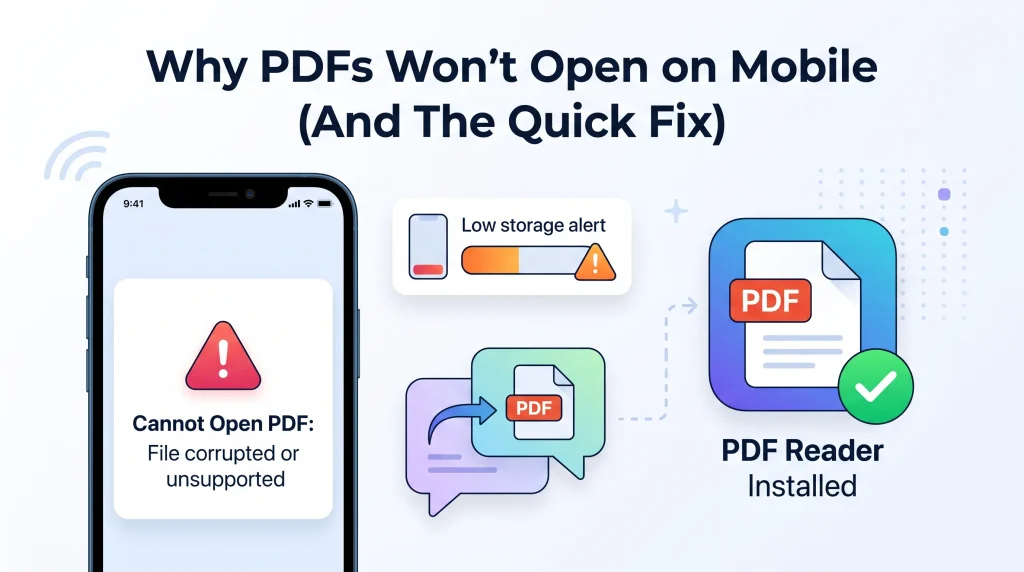
The fix: if a PDF won’t open on your phone specifically, try a dedicated PDF reader app rather than relying on whatever opens by default, and check available storage before assuming the file itself is the problem.
Conclusion
A PDF that won’t open is frustrating mainly because the error messages rarely explain what’s actually wrong. In practice, the cause almost always falls into one of a few categories: an incomplete download, a file that isn’t structured as a real PDF despite its extension, an outdated or conflicting reader, or a password you don’t have. Working through these in order, starting with the simplest fix (just re-downloading the file) resolves the vast majority of cases without needing anything more technical.
Frequently Asked Questions
Why does my PDF open on one device but not another? This almost always points to a reader version difference. The file itself is fine, but one device’s PDF viewer doesn’t support whatever version or features the document uses. Updating the reader, or trying a different one, usually fixes it.
Can a corrupted PDF be repaired? Often, yes. Re-downloading the original source is the simplest fix if that’s an option. If you only have the damaged file, a repair or re-conversion tool can sometimes reconstruct a working version, though severely damaged files aren’t always recoverable.
Why does my browser download the PDF instead of showing it? This is typically a viewer setting rather than a problem with the file. Most browsers have an option to display PDFs inline versus always downloading them, worth checking in your browser’s PDF-related settings.
Is renaming a file to .pdf enough to make it a PDF? No. Changing a file’s extension doesn’t change its actual internal structure. A file needs to be properly saved or converted as a PDF to open correctly, regardless of what its name suggests.
Need to convert or repair a document into a properly working PDF? AsanTool’s free tools handle conversion directly in your browser. No account, no software, and your files are never kept on our servers.