
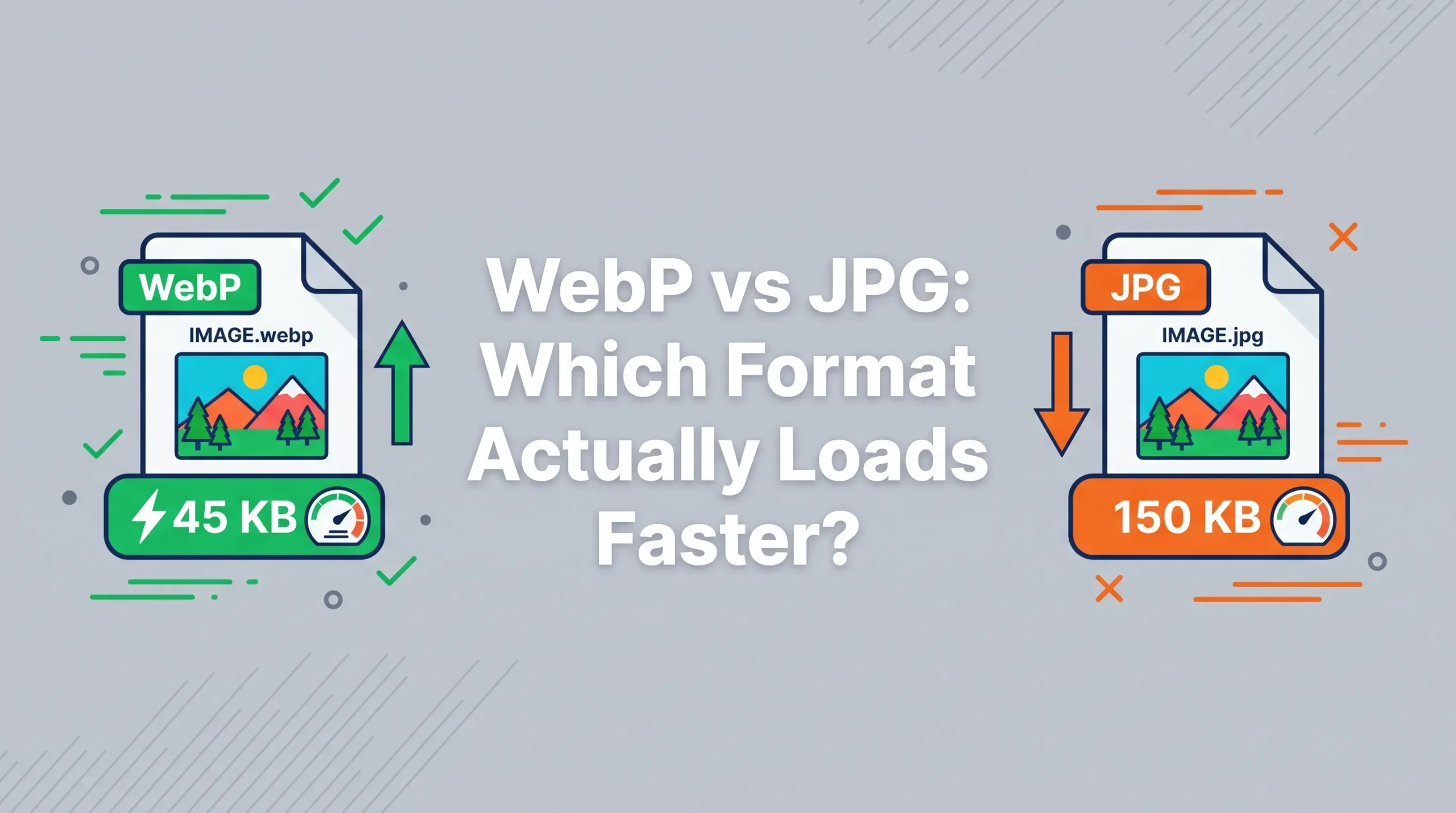
Short answer first, since this one has a clear winner: WebP loads faster than JPG in almost every real-world case, usually by a noticeable margin. But the more useful question isn’t which one is faster; it’s whether that speed difference actually matters for what you’re doing, and when JPG still earns its place despite being the older format.
Google’s own testing found that WebP images come out roughly 25 to 34 percent smaller than a JPG at the same visual quality. That’s not a marginal difference. A photo that would have been 400 KB as a JPG often lands closer to 280 KB as WebP, and you genuinely can’t tell them apart by looking at them side by side. Multiply that across a page with fifteen or twenty images, and the total weight difference becomes something a visitor can actually feel, especially on a slower mobile connection.
Why WebP Gets There Smaller
Both formats throw away some image detail to shrink the file; that’s what “lossy compression” means, and it’s how JPG has always worked too. The difference is that WebP’s compression algorithm is simply newer and smarter about which detail to discard. It was built years after JPG, with better math behind figuring out what the human eye won’t miss. JPG was designed in the early 1990s. WebP showed up in 2010, with an entire generation of compression research behind it that JPG never had.
There’s also a technical detail that matters more than people realize: WebP supports transparency and even basic animation, something JPG has never been able to do. That means WebP can genuinely replace both JPG and PNG in a lot of cases, not just compete with one of them.
So Is JPG Just Obsolete Now?
Not quite, and this is where a lot of comparisons oversimplify things. JPG’s real advantage isn’t speed or file size; it’s universal compatibility. Every device, every app, every printer, every piece of software from the last three decades can open a JPG without a second thought. WebP support is excellent now; somewhere around 96 to 97 percent of browsers handle it natively, but that remaining sliver still matters if you’re sending a file somewhere unpredictable: an old work computer, a printing service, an email client that renders attachments oddly, or a platform that simply hasn’t caught up.
For a website, this gap is easy to close. A <picture> element can serve WebP to the browsers that support it and quietly fall back to JPG for the rest, so visitors never notice anything either way. For a photo you’re just sending to someone directly, though, JPG remains the safer default, since you don’t control what’s opening it on the other end.
Where the Speed Difference Actually Shows Up
The gains from WebP aren’t evenly distributed across every kind of image. Flat, simple images like logos, illustrations, or product shots on a plain background see the biggest size reduction, sometimes well beyond that 25 to 34 percent average. Busy, detailed photos, think a crowded street scene or a forest with lots of fine texture, see smaller gains, because there’s simply less redundant data for the compression to squeeze out.
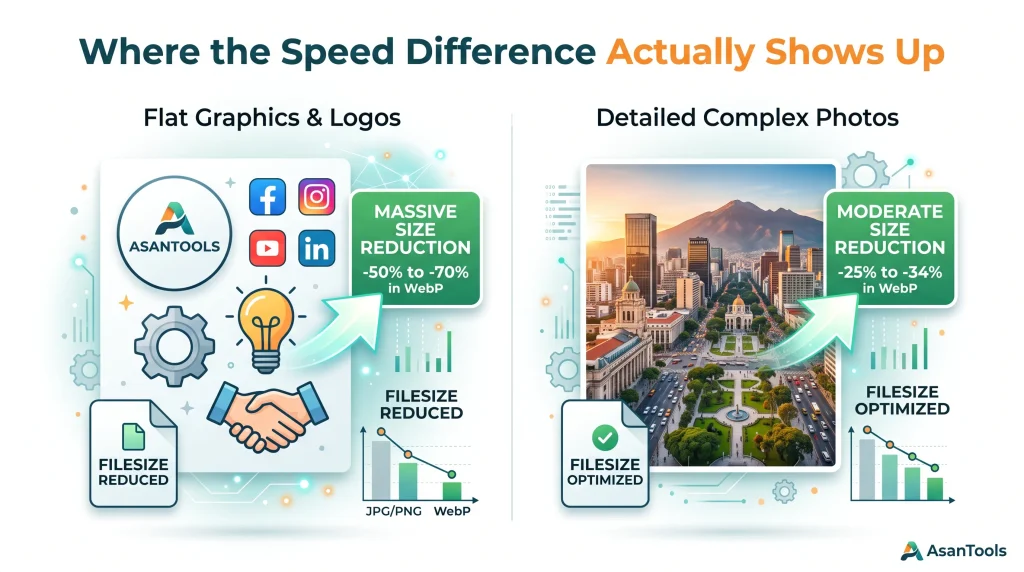
This matters for anyone using AsanTool’s Image Compressor to prepare a photo. If the image already looks close to its size limit as a JPG, converting to WebP first and then compressing often gets you further under the target without the same visible softness that comes from just cranking JPG compression harder and harder.
What This Means for Page Speed Specifically
Google has been fairly direct about this: PageSpeed Insights flags “serve images in next-gen formats” as one of the most common recommendations on sites that score below 80 on mobile. Since page speed feeds into Core Web Vitals, and Core Web Vitals is a confirmed ranking signal, switching a site’s images to WebP is one of the rare SEO improvements that’s almost entirely mechanical: no content rewriting, no backlink building, just smaller files loading faster.
The practical impact is biggest on the images above the fold, the ones a visitor sees before scrolling. A hero image that shrinks from 420 KB to 280 KB directly speeds up how quickly the page feels loaded, which is exactly what Largest Contentful Paint is measuring.
Read More: How to Reduce Image Size for Any Online Form Submission
Making the Switch Without Breaking Anything
Converting existing JPG images to WebP doesn’t require touching every file by hand or overhauling a website’s structure. AsanTool’s JPG to PNG and image conversion tools handle format switching directly in your browser, no software, no account, and nothing kept on our servers longer than an hour. For a site with a mix of both formats already in use, running new uploads through WebP going forward, while leaving older JPGs as they are, is usually enough to see a meaningful speed improvement without a full site-wide migration project.
Need to convert or compress an image right now? AsanTool’s free tools handle both, directly in your browser. No account, no software, and your file is never kept on our servers.
1 thought on “WebP vs JPG: Which Format Actually Loads Faster?”