
You’ve finished writing something — a resume, a report, a proposal — and now there’s a small decision waiting: send it as a Word document, or convert it to PDF first? Most people pick whichever one is already open on their screen and don’t think about it further, but the choice actually matters more than it seems, and picking wrong can quietly work against you.
The Core Difference
A Word document (.docx) is an editable file. It’s meant to be opened, changed, and worked on further. A PDF is a fixed snapshot. It’s meant to be viewed exactly as it was finalized, with no expectation that the reader will edit it.
That single distinction — editable vs. fixed — is really what decides which one you should be sending in any given situation.
When You Should Send a PDF
Send PDF when the document is finished and shouldn’t change.
- Resumes and job applications — a resume’s formatting should look identical no matter what device or software the recruiter opens it on. Word documents can shift fonts and spacing depending on the receiving computer; PDF locks it in place.
- Contracts and official agreements — you want the content to stay exactly as agreed upon, without the risk of accidental edits.
- Reports meant for reading, not editing — client deliverables, finished proposals, printed materials.
- Anything going to a printer — PDF guarantees the printed page matches what you designed on screen, since layout is fixed.
- Documents shared with people using different software — not everyone has Word installed, but virtually every device can open a PDF.
Read More: How to Convert HEIC to JPG (iPhone Photos That Won’t Open on Android)
When You Should Send a Word Document
Send Word when the recipient needs to actually edit the content.
- Collaborative drafts — if someone needs to add comments, track changes, or rewrite sections, a PDF makes that unnecessarily difficult.
- Templates meant to be reused — a form, a letter template, or a document structure someone else will fill in themselves.
- Documents still in progress — early drafts sent for feedback where structure and content are still expected to change.
- When the recipient explicitly asks for an editable file — some employers or institutions specifically request .docx so they can format it into their own system.
What Goes Wrong When You Pick the Wrong One
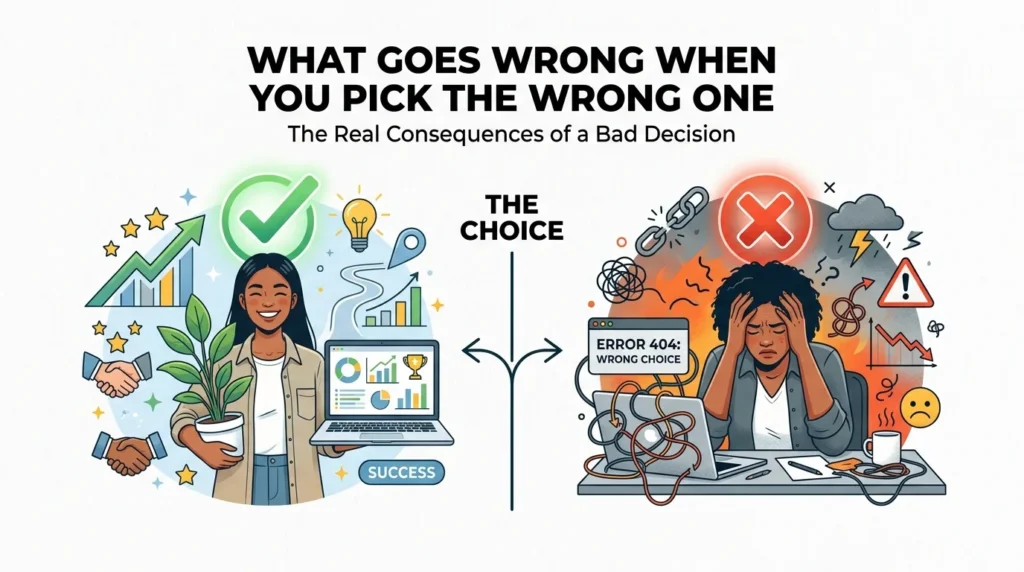
- Sending Word when PDF was expected: formatting shifts on the recipient’s device, fonts get substituted, and the document can look sloppy or broken through no fault of the content itself
- Sending PDF when Word was expected: the recipient can’t make requested edits or add tracked changes, leading to a frustrating back-and-forth asking you to resend as Word
- Sending Word for something that should be final: a document that was meant to represent your finished, polished work can get accidentally modified, or simply look inconsistent depending on the software opening it
A Quick Way to Decide
Ask one question: Does the reader need to change this, or just read it?
- Just read it → PDF
- Needs to be edited or filled in → Word
If you’re not sure which the recipient expects, PDF is usually the safer default for anything client-facing or finished, since it’s far more common for a fixed formatting error to cause problems than for someone to genuinely need to edit a document they weren’t expecting to.
Converting Between the Two
Most of the time, you’re working in Word and need to hand off a finished PDF version — not the other way around. Converting from Word to PDF should always be checked afterward, since fonts, spacing, and page breaks can occasionally shift during conversion if the original document used unusual formatting.
AsanTool’s Word to PDF converter handles this directly in your browser, preserving formatting exactly as designed:
- Upload your .docx file
- Convert to PDF while keeping fonts, spacing, and layout intact
- Download instantly, no software required
- Your file is never stored on our servers — deleted automatically within the hour
Conclusion
The Word vs. PDF decision isn’t really about which format is “better” — it’s about whether the document is finished or still in progress. A finished resume, contract, or report should almost always go out as a PDF. A document someone else still needs to work on should stay as Word. Getting this right, consistently, is a small habit that quietly makes every document you send look more intentional.
Need to convert your finished document to PDF? Try the free Word to PDF converter — no account, no software, and your file is never kept on our servers.