
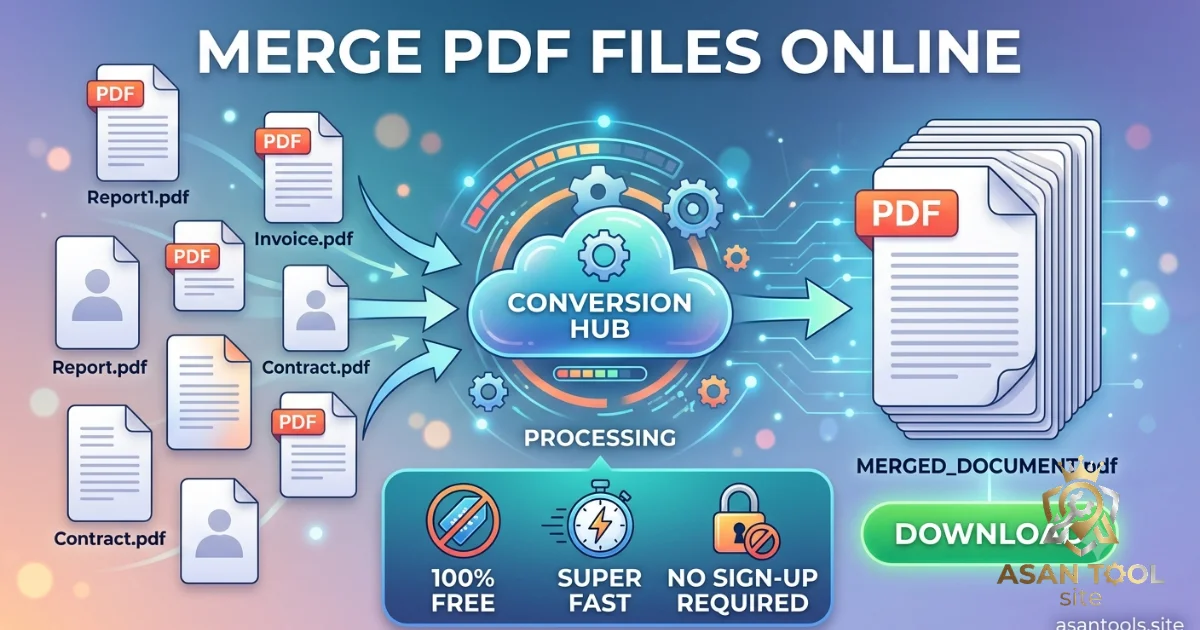
How to Merge PDF Files Online — Free, Fast, and No Sign-Up: If you’ve ever had to submit a job application, a loan document, or a college assignment made up of five separate PDF files, you already know how annoying it gets. Most forms only accept one attachment, emails feel messy with multiple files, and reviewers don’t want to open five different documents to see one submission. The fix is simple: merge them into a single PDF.
This guide covers exactly why merging matters, what actually happens during the process, and how to combine your files properly without messing up page order or quality.
Why You Need to Merge PDFs in the First Place
Merging isn’t just about convenience — it solves real problems that come up constantly:
- Job and visa applications often require ID, certificates, and forms as one combined file instead of five separate uploads
- Invoices and reports split across multiple PDFs need to become one document for record-keeping or client delivery
- School and university submissions where different sections or scanned pages exist as separate files need to be one clean document
- Business proposals or contracts assembled from multiple source documents need to read as a single, professional file
- Email attachment limits are easier to work around with one merged PDF than five separate files clogging up an inbox
A single, well-ordered PDF simply looks more organized and professional than a scattered pile of attachments, even if the content is exactly the same.
What Actually Happens When You Merge PDFs
Understanding the process removes a lot of the guesswork:
- Each PDF you upload keeps all of its original pages intact nothing is deleted or altered.
- The files are joined together in the exact order you arrange them, one after another.
- Formatting, fonts, and images inside each PDF stay exactly as they were — merging doesn’t recompress or flatten anything.
- The result is one single file containing every page from every document you combined, ready to download, upload, or print.
How to Merge PDF Files the Right Way
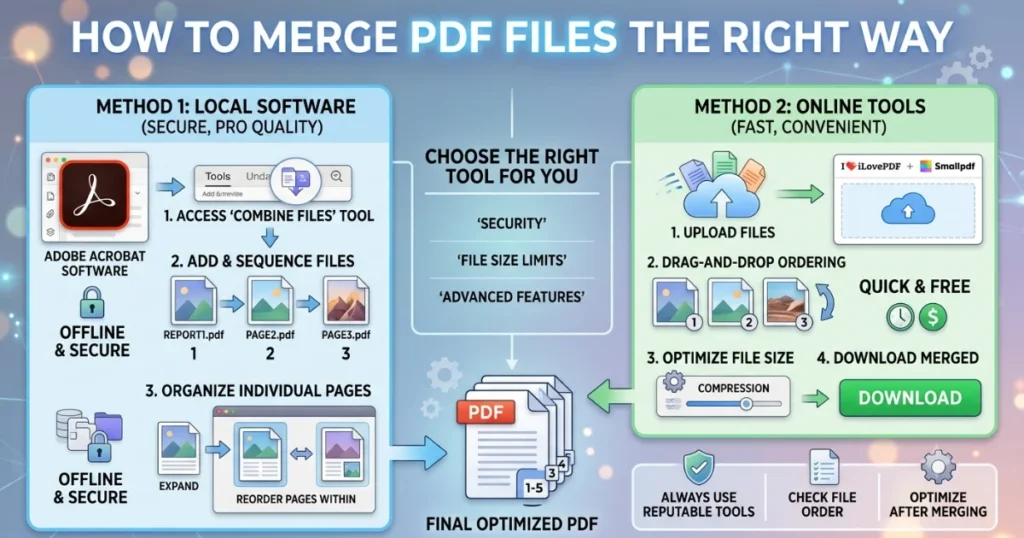
- Check each PDF individually first — make sure none of them are corrupted, password-protected, or missing pages before merging.
- Decide the final order in advance. Most tools merge files in the sequence you upload them, so plan which document should come first.
- Name your files clearly (like
01-resume.pdf,02-certificate.pdf) if your tool merges by filename order — this avoids last-minute rearranging. - Merge using a dedicated tool rather than trying to copy-paste pages in a document editor, which often breaks formatting.
- Open and review the final PDF before submitting it anywhere, checking that every page is present, correctly oriented, and in the right order.
When You Might NOT Want to Merge
Merging isn’t always the right call. Keep files separate if:
- Each document needs to be reviewed or approved independently by different people
- The receiving system only accepts one file type or size per document category, and combining would violate that
- You’ll need to update one document frequently without touching the others — a merged file makes future edits harder to isolate
Related Post: How to Turn Multiple Images Into One PDF (No Software Needed)
Merge PDF Files Online in Seconds
No desktop software or paid subscription required. AsanTool’s PDF Merge tool handles the entire process directly in your browser:
- Upload multiple PDF files at once
- Arrange them in the order you want
- The tool combines them into a single, clean PDF automatically
- Download the finished file instantly — no email or account required
- Nothing is stored on our servers — your files are deleted automatically within the hour
It works the same whether you’re merging scanned documents from your phone or reports from a laptop, with no sign-up step slowing you down.
Frequently Asked Questions
Will merging PDFs reduce the quality of my documents?
No. A proper merge tool keeps every page exactly as it was in the original file — text, images, and formatting all stay intact.
Can I control the order of the merged pages?
Yes. The order you upload or arrange your files in is the order they’ll appear in the final combined PDF.
Is there a limit to how many PDFs I can merge at once?
Most tools handle a reasonable number of files without trouble, though very large combined file sizes may take slightly longer to process.
Do I need to create an account to merge PDFs online?
No, not with a properly built free tool. You should be able to upload, merge, and download without signing up or providing any personal information.
Need to merge PDF files right now? Try the free PDF Merge tool no account, no software, and your files are never kept on our servers.